
Going Paper-Free at Home: What It Involves and Whether It's Worth It
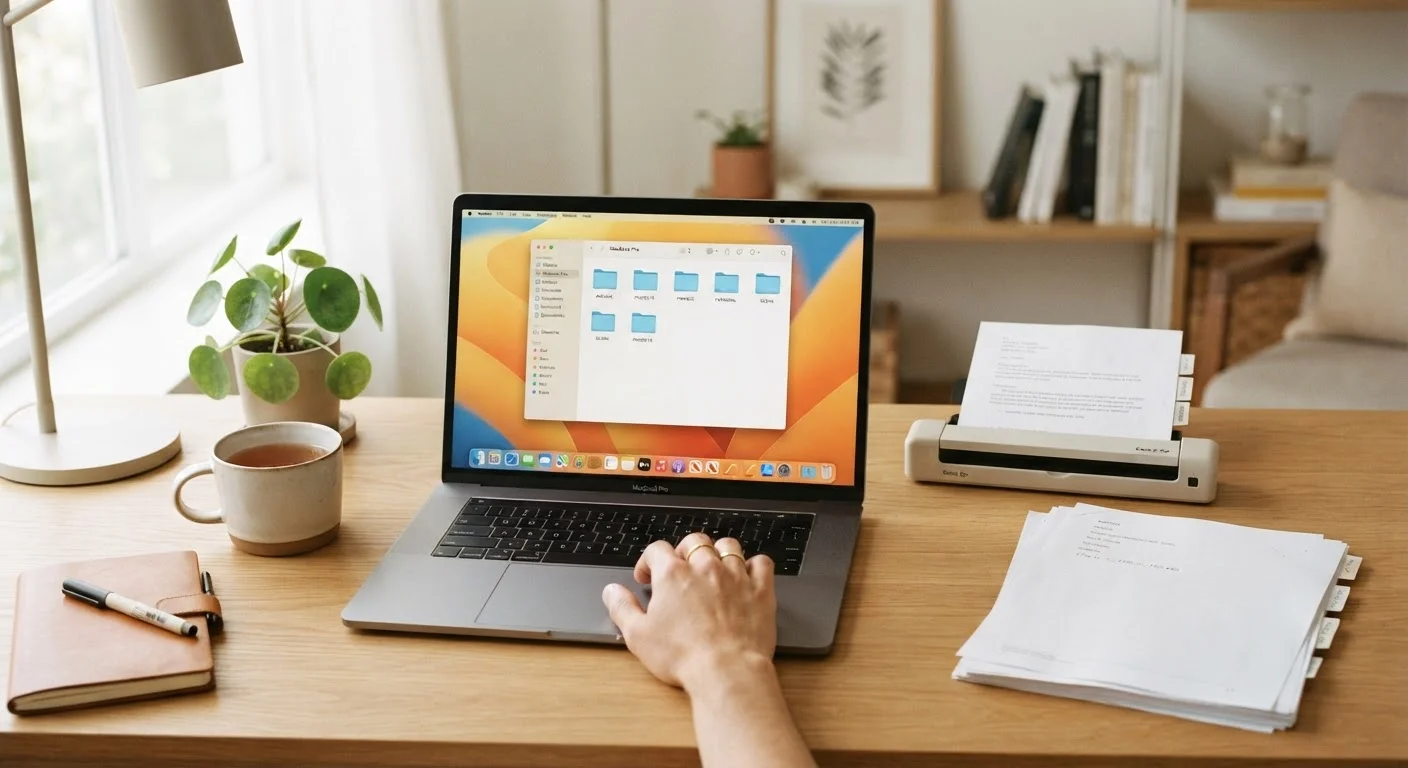
Photo credit: PrimeReads.net | Discover Insightful And Creative Blogs
In this article
Digitising household paperwork promises less clutter and easier access — but it also comes with real trade-offs worth considering.
Key Takeaways
- Going paper-free typically requires a scanner, a reliable cloud storage plan, and consistent filing habits.
- Digital documents are easier to search and share but depend on technology and internet access to retrieve.
- Some documents - such as original deeds, wills, and passports - should be kept as physical copies regardless.
- A hybrid approach works well for most households: digital for most records, physical for legally sensitive originals.
- Security practices like strong passwords and encrypted backups are essential when storing documents digitally.
Dramatically reduces physical clutter and storage needs
Filing cabinets and storage boxes can be eliminated or significantly downsized once paperwork is digitised, freeing up meaningful space in home offices and closets.
Documents become instantly searchable
Well-named digital files can be located in seconds using a computer's search function, compared to manually flipping through physical folders.
Easier to share documents when needed
Sending a copy of an insurance certificate or tax form to a professional or family member is straightforward when the file is already digital.
Better protection against physical damage or loss
Cloud-backed digital files survive floods, fires, and moving mishaps that commonly destroy paper records.
Reduces ongoing administrative friction
Switching to digital billing and statements means fewer envelopes to open, sort, and decide what to do with each month.
Some original documents must still be kept physically
Legal documents like wills, property deeds, and notarised agreements often require physical originals; digital copies may not be legally sufficient for all purposes.
Requires ongoing security and backup discipline
Digital files are only as safe as the security practices around them; without strong passwords, encryption, and redundant backups, a data breach or service failure can mean losing years of records.
Upfront time investment can be substantial
Digitising a household's existing paper backlog can take many hours, which often causes people to start the process but not finish it.
Technology dependency creates access risk
Retrieving documents requires a functioning device and, for cloud storage, internet access - not always available in emergencies or power outages when documents may be urgently needed.
Digital clutter can replace paper clutter
Without a clear and consistently applied folder and naming structure, digital files become just as disorganised and hard to navigate as physical ones.
What Going Paper-Free Actually Means
"Paper-free" doesn't mean eliminating every scrap of paper from your home. In practice, it means shifting the majority of your household documents - bills, insurance records, tax returns, receipts, warranties, medical paperwork - into a digital format that you can store, search, and retrieve without digging through filing cabinets or stuffed drawers.
The core setup typically involves three things: a way to capture documents (a flatbed scanner or a smartphone scanning app), a place to store them (cloud storage or an external hard drive), and a naming and folder system that makes retrieval practical. Without that last element, digital clutter simply replaces paper clutter. See our guide to organizing myths for a useful reminder that systems only work when they're consistently maintained.
For households managing a significant mental load around paperwork, a digital approach can meaningfully reduce that friction - though it introduces its own set of disciplines. Our complete guide to the household mental load explores this tradeoff in broader context.
The Real Advantages of Digitising Home Paperwork
Dramatically reduces physical clutter and storage needs
Filing cabinets and storage boxes can be eliminated or significantly downsized once paperwork is digitised, freeing up meaningful space in home offices and closets.
Documents become instantly searchable
Well-named digital files can be located in seconds using a computer's search function, compared to manually flipping through physical folders.
Easier to share documents when needed
Sending a copy of an insurance certificate or tax form to a professional or family member is straightforward when the file is already digital.
Better protection against physical damage or loss
Cloud-backed digital files survive floods, fires, and moving mishaps that commonly destroy paper records.
Reduces ongoing administrative friction
Switching to digital billing and statements means fewer envelopes to open, sort, and decide what to do with each month.
Beyond the obvious clutter reduction, searchability is one of the most underappreciated benefits. Finding a three-year-old appliance warranty or a specific medical explanation of benefits takes seconds when files are named consistently and stored in a logical folder structure. Physical paper offers no such shortcut.
There's also a meaningful resilience argument. Paper documents can be destroyed by flooding, fire, or simple deterioration. Digitised files stored across multiple locations - a cloud service and a local external drive, for instance - are far more likely to survive a household emergency intact.
The Trade-Offs and Limitations to Consider
Some original documents must still be kept physically
Legal documents like wills, property deeds, and notarised agreements often require physical originals; digital copies may not be legally sufficient for all purposes.
Requires ongoing security and backup discipline
Digital files are only as safe as the security practices around them; without strong passwords, encryption, and redundant backups, a data breach or service failure can mean losing years of records.
Upfront time investment can be substantial
Digitising a household's existing paper backlog can take many hours, which often causes people to start the process but not finish it.
Technology dependency creates access risk
Retrieving documents requires a functioning device and, for cloud storage, internet access - not always available in emergencies or power outages when documents may be urgently needed.
Digital clutter can replace paper clutter
Without a clear and consistently applied folder and naming structure, digital files become just as disorganised and hard to navigate as physical ones.
The most overlooked limitation is legal. Certain documents carry weight specifically because they are originals: signed wills, property deeds, notarised agreements, passports, and vital records like birth certificates. Scanning these is sensible for reference purposes, but the physical originals often need to be retained. Check with a qualified attorney or relevant government body about specific requirements for your situation.
There's also a technology dependency that many households underestimate. If a cloud service changes its terms, discontinues, or is breached, access to years of records can be disrupted. A local backup strategy - such as an encrypted external drive - is not optional; it's a core part of any responsible digital document system.
Which Documents to Always Keep as Originals
Even a thorough paper-free system should preserve physical originals of certain documents. These commonly include: signed wills and trusts, property deeds and titles, birth and marriage certificates, passports, and Social Security cards. Scan these for easy reference, but store the originals securely - a fireproof home safe or a safety deposit box are both common approaches. Requirements can vary by state and document type, so consult a licensed attorney or relevant authority if you're uncertain about a specific record.
Building a System That Holds Up Over Time
The transition itself is the hardest part for most people. A practical starting point is to stop new paper from accumulating first - switching bills, bank statements, and insurance documents to digital delivery where available - before tackling the backlog. Trying to digitise years of existing paperwork all at once is a reliable way to abandon the project midway.
For the backlog, a category-by-category approach tends to work better than a date-based one. Start with a single category (say, insurance documents), establish a folder and naming convention, then move to the next. Consistency in file naming - using formats like YYYY-MM-DD_DocumentType_Issuer - pays dividends when you need to find something quickly later.
The habits that keep a home organized long-term apply equally here: small, regular maintenance actions matter more than periodic big efforts. Scanning and filing a document when it arrives takes thirty seconds; sorting a six-month backlog takes an afternoon.
For households weighing whether to go fully digital or maintain some paper-based systems alongside, the digital vs. paper household management comparison offers a useful framework for thinking through what each approach handles well.

Author
Living Editorial Team
Living Editorial Team is the collective byline for our editorial team and contributor network. Articles published under this byline or an editorial pen name are researched, written, and reviewed according to our editorial standards for clarity, consistency, and independence before publication.
View all articles →